How to Identify Phishing Emails in 2025: A Practical Guide
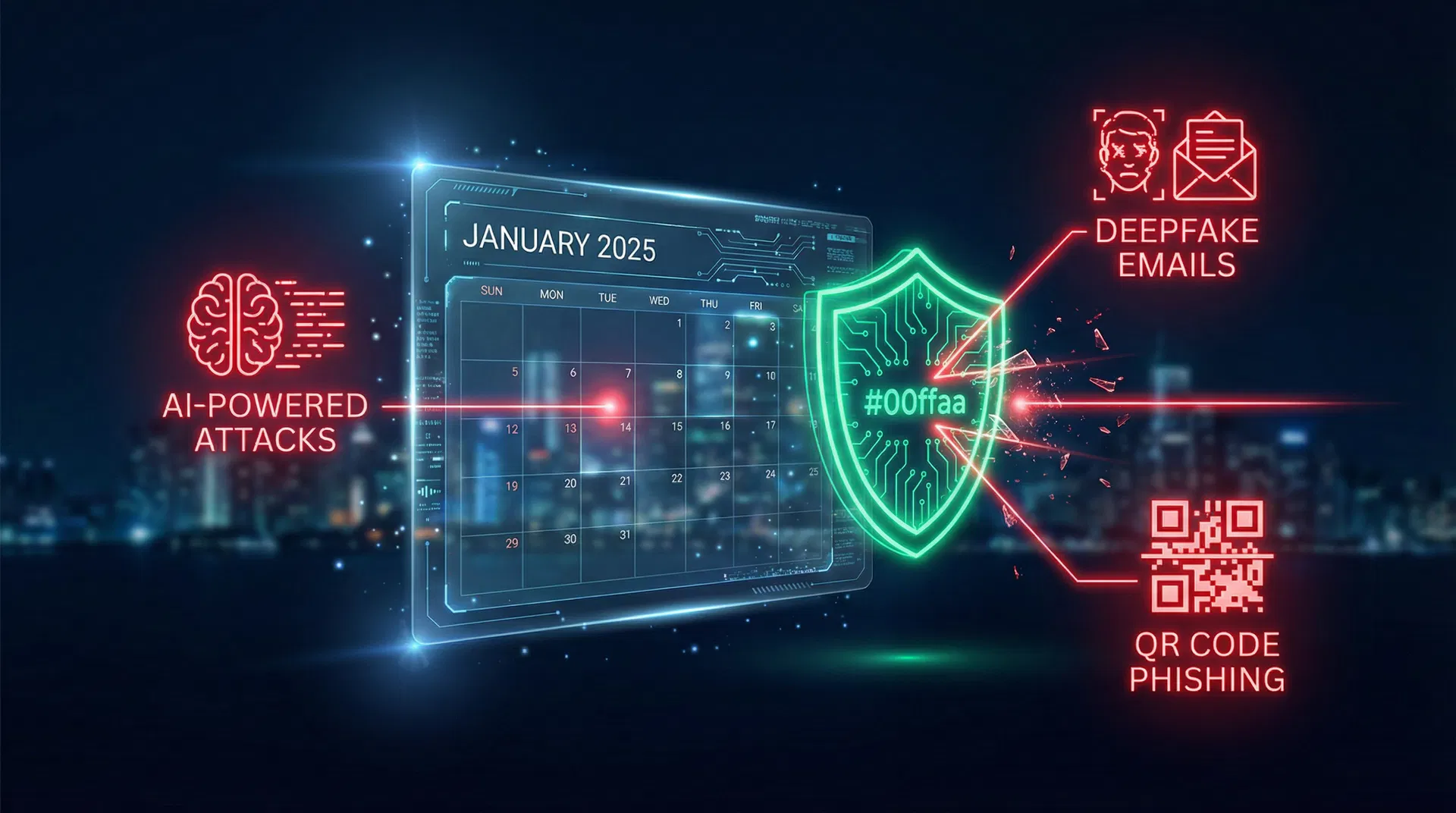
How to Identify Phishing Emails in 2025
Phishing remains the number one initial access vector for threat actors worldwide. Despite decades of awareness training, attackers continue to refine their techniques — and in 2025, the bar has never been higher.
The Modern Phishing Landscape
Today's phishing emails are a far cry from the obvious "Nigerian prince" scams of the early 2000s. Modern campaigns leverage:
- AI-generated personalisation — attackers scrape LinkedIn, company websites, and social media to craft hyper-targeted spear-phishing messages
- Lookalike domains — registered days before the campaign with valid SSL certificates
- Legitimate infrastructure abuse — using trusted services like SharePoint, Dropbox, and Google Docs as landing pages
Key Indicators to Check
1. Sender Domain Authentication
Always check the full sending address, not just the display name. Look for:
From: "IT Support" <[email protected]>
From: "IT Support" <[email protected]>
The display name says "IT Support" but the domain is clearly not Microsoft. Use tools like our Email Analyser to run DNS, SPF, DMARC, and DKIM checks automatically.
2. Urgency and Pressure Tactics
Legitimate organisations rarely demand immediate action under threat of account closure or legal consequences. Phrases like:
- "Your account will be suspended in 24 hours"
- "Immediate action required"
- "Verify now or lose access"
...are classic social engineering pressure tactics.
3. Mismatched URLs
Hover over any link before clicking. The displayed text and actual destination should match. Shortened URLs (bit.ly, tinyurl) in unsolicited emails are a significant red flag.
Using Automated Tools
Manual inspection is valuable but time-consuming. The Cyber121 Email Analyser automates the heavy lifting:
- Enter the sender's email address
- Optionally paste the full email content
- Get an instant legitimacy score with DNS, MX, blacklist, and AI analysis
Conclusion
Phishing defence is a layered problem. Technical controls (email filtering, DMARC enforcement) reduce volume, but user awareness remains the last line of defence. Stay sceptical, verify before you click, and use the tools available to you.
Senior Threat Intelligence Analyst with 10 years in the industry. Specialises in APT tracking and phishing campaign analysis.